

Microsoft Copilot Studio
Build powerful agents
Have agents complete tasks for you
Public agents to your channels
Securely manage and govern agents
Capabilities
Transform business processes across your entire organization with custom agents
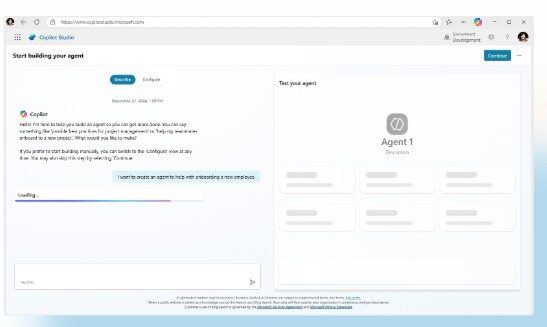
Build conversational agents
Create agents that answer questions or complete tasks based on your selected data sources.
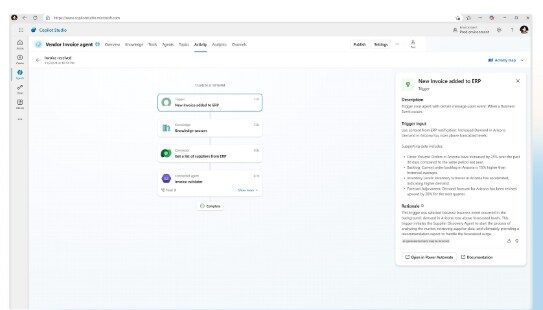
Create autonomous agents
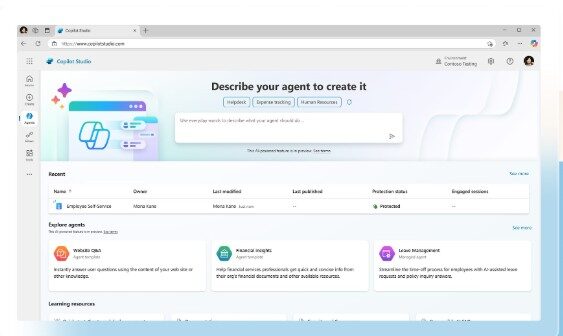
Use pre-built agent and templates
Enhance automation with agent flows
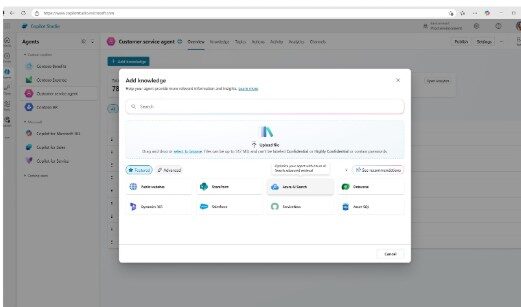
Ground agents with your organization’s knowledge
Enable agents to take actions and complete tasks
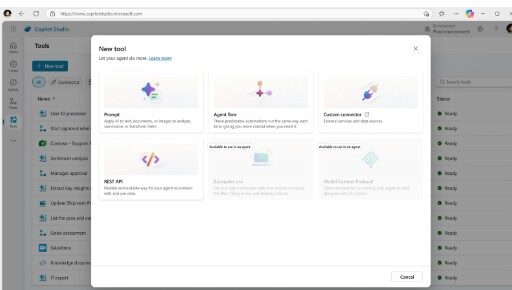
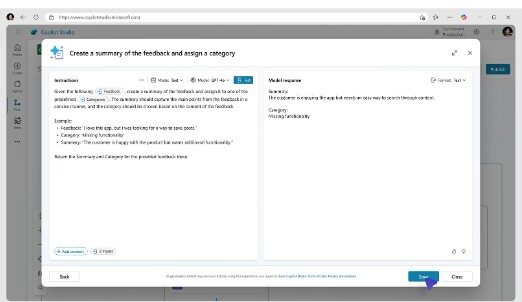
Add structured instructions for better results
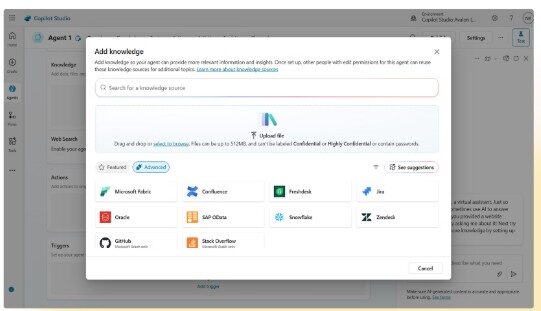
Customize agents with third-party data
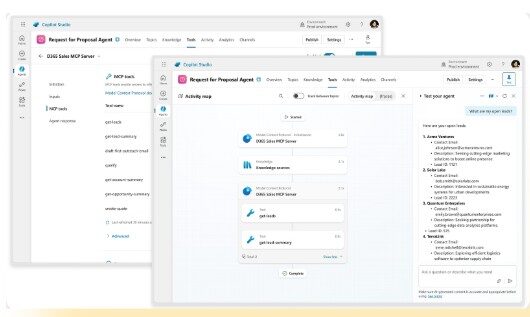
Simplify integration for agents
Publish to where you work in Microsoft 365
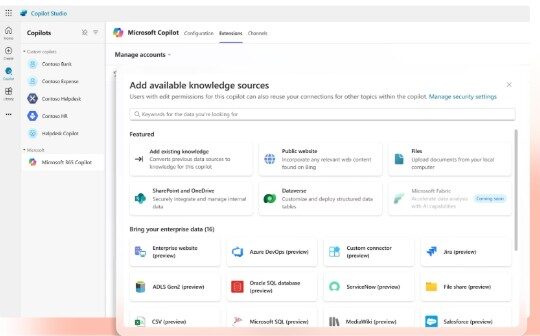
Deploy to websites and social apps

Boost line-of-business apps
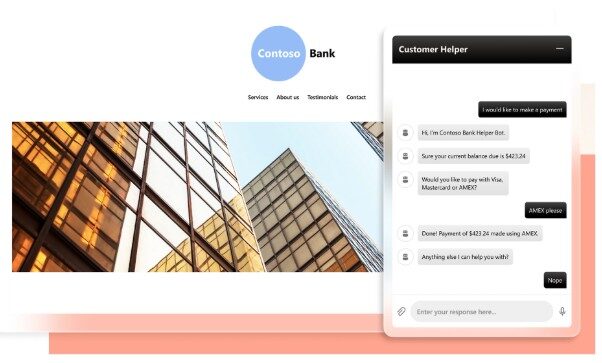
Use with business apps
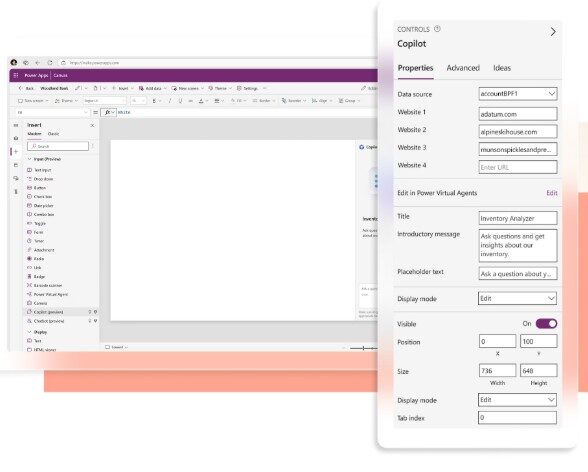
Build agents in M365 with the Copilot Studio agent builder
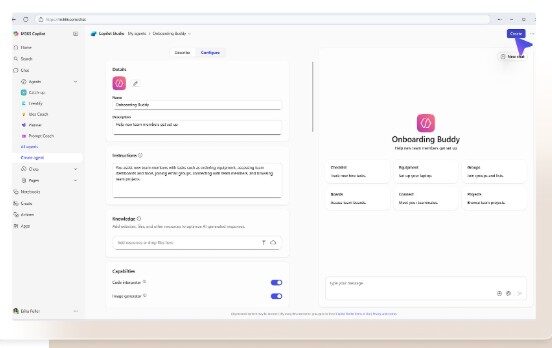
Get answers with Copilot Chat
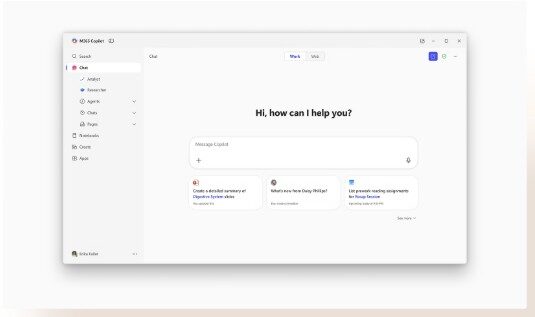
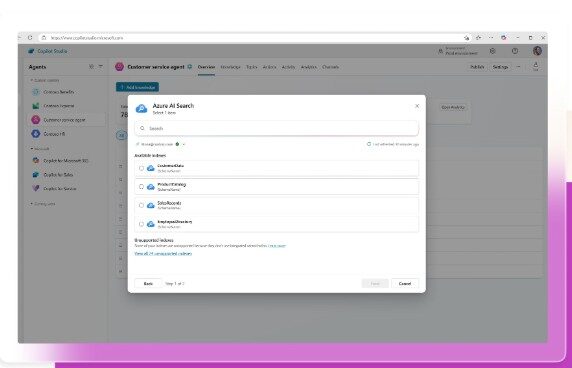
Use existing knowledge with Azure AI Foundry Search Index
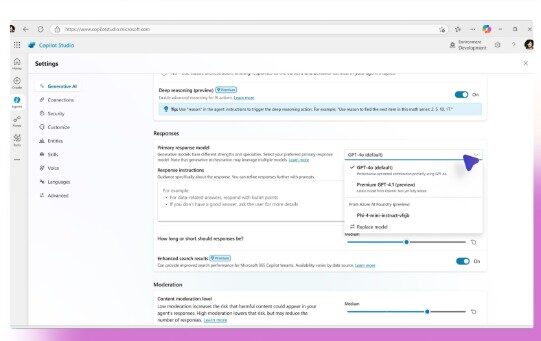
Select your own model
Build agents for Microsoft 365 Copilot
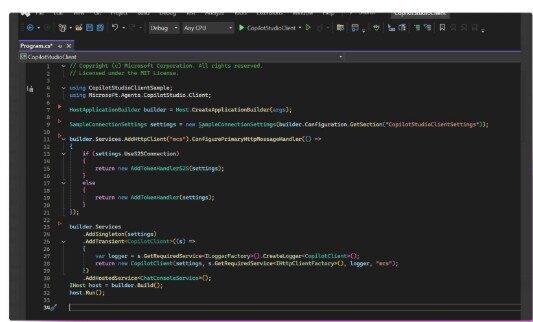
Simplify agent development
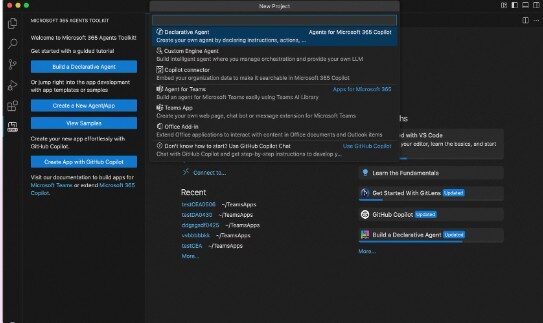
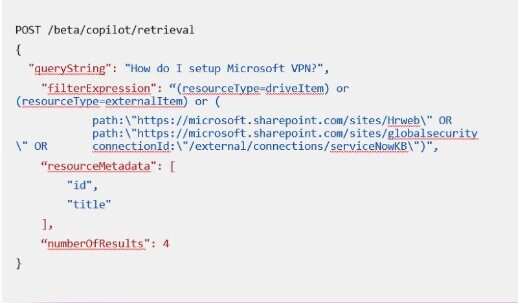
Bring Copilot’s capabilities to your apps and agents
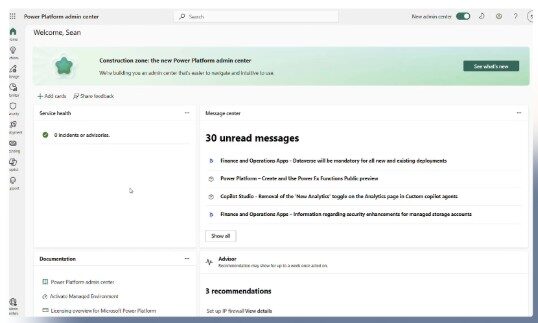
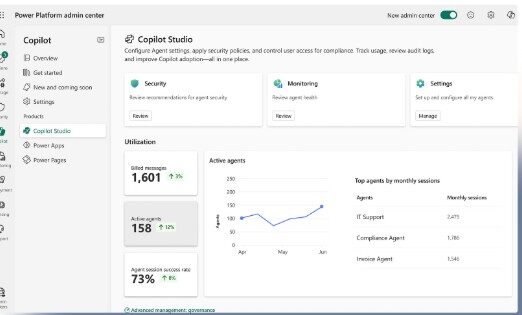
Manage your agents from a central admin center
Protect your enterprise data
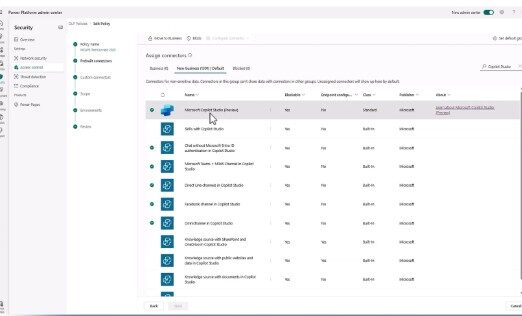
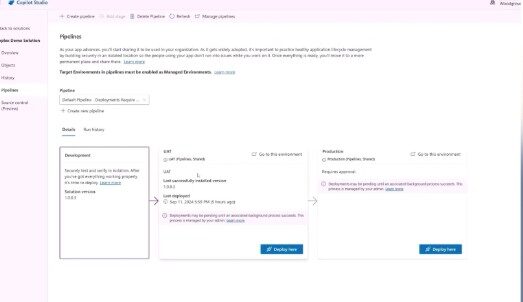
Govern with scale and innovation
Get analytics and reporting
FAQ
What is Microsoft Copilot Studio?
Copilot Studio is an end-to-end conversational AI platform that empowers you to create agents using natural language or a graphical interface. With Copilot Studio, you can easily design, test, and publish agents that suit your needs for internal or external scenarios across your industry, department, or role. You can build a standalone agent or publish to Microsoft 365 Copilot.
What is an agent?
Agents are expert systems that surface in different channels, including in the background of Copilot. Copilot may have many agents that it brings together into a simple interface for you to interact with.
Agents use AI to automate and execute business processes, for a person, team, or organization. They come in all shapes and sizes and include those that:
- Answer user questions by retrieving or summarizing information.
- Take actions when asked, automate workflows, and replace repetitive tasks.
- Operate independently, dynamically plan, learn, and escalate.
How do I keep up with the latest news?
Follow the Microsoft Copilot Studio blog for product announcements and updates.
What are the benefits of publishing your agent to Microsoft 365 Copilot?
With Copilot Studio, you can build agents and publish them anywhere, including Microsoft 365 Copilot. When you publish to Copilot, your organization benefits from being able to use that agent within the applications your employees frequently work in, like Microsoft Teams, SharePoint, and Microsoft 365 Copilot Chat.
Is Microsoft Power Virtual Agents part of Copilot Studio?
Yes, capabilities and features of Power Virtual Agents are now part of Copilot Studio following significant investments in generative AI and enhanced integrations across Copilot.
How does Copilot Studio approach responsible AI?
Generative AI within Copilot Studio is designed to align with our responsible AI principles, including fairness, reliability and safety, privacy and security, inclusiveness, transparency, and accountability.
Which languages does Copilot Studio support?
Copilot Studio supports Chinese (simplified and traditional), Czech, Danish, Dutch, English, Finnish, French, German, Greek, Hindi, Indonesian, Italian, Japanese, Korean, Norwegian, Polish, Portuguese (Brazilian), Russian, Spanish, Swedish, Thai, and Turkish.
What's the difference between Copilot Studio in Microsoft 365 Copilot , and Copilot Studio licensed separately?
Copilot Studio is the comprehensive tool for building agents. Agents built in Copilot Studio can be deployed across multiple channels-organizations pay only for usage. For those licensed for Microsoft 365 Copilot, usage of agents published to Microsoft 365 Copilot is included in their license.